Start
Free
- 30, 60 or 90-day projects
- Product logs & progress photos
- Free photo editing
Project Pan, made personal
Track your beauty products, try AI looks, and share the little wins.
Your products. Your pace. Your little ritual.

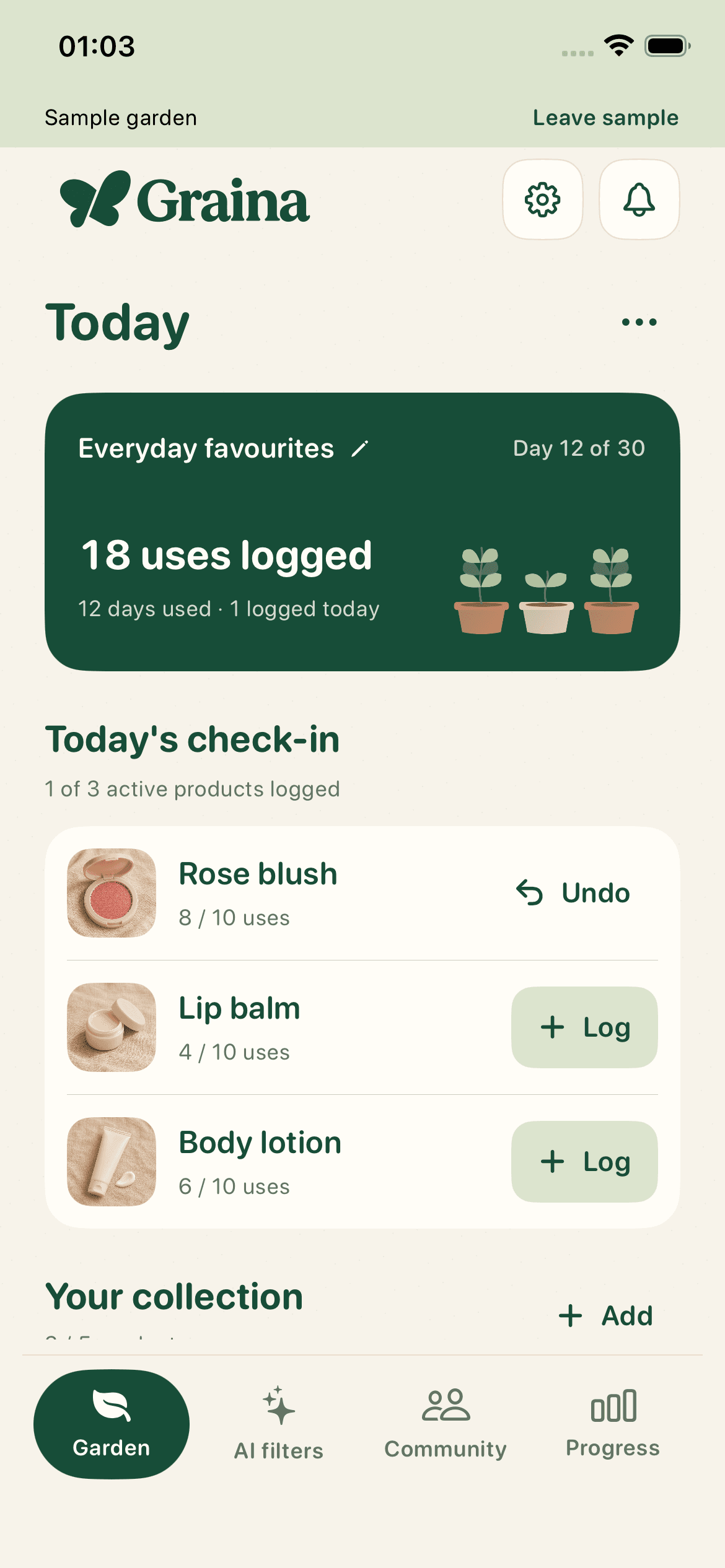
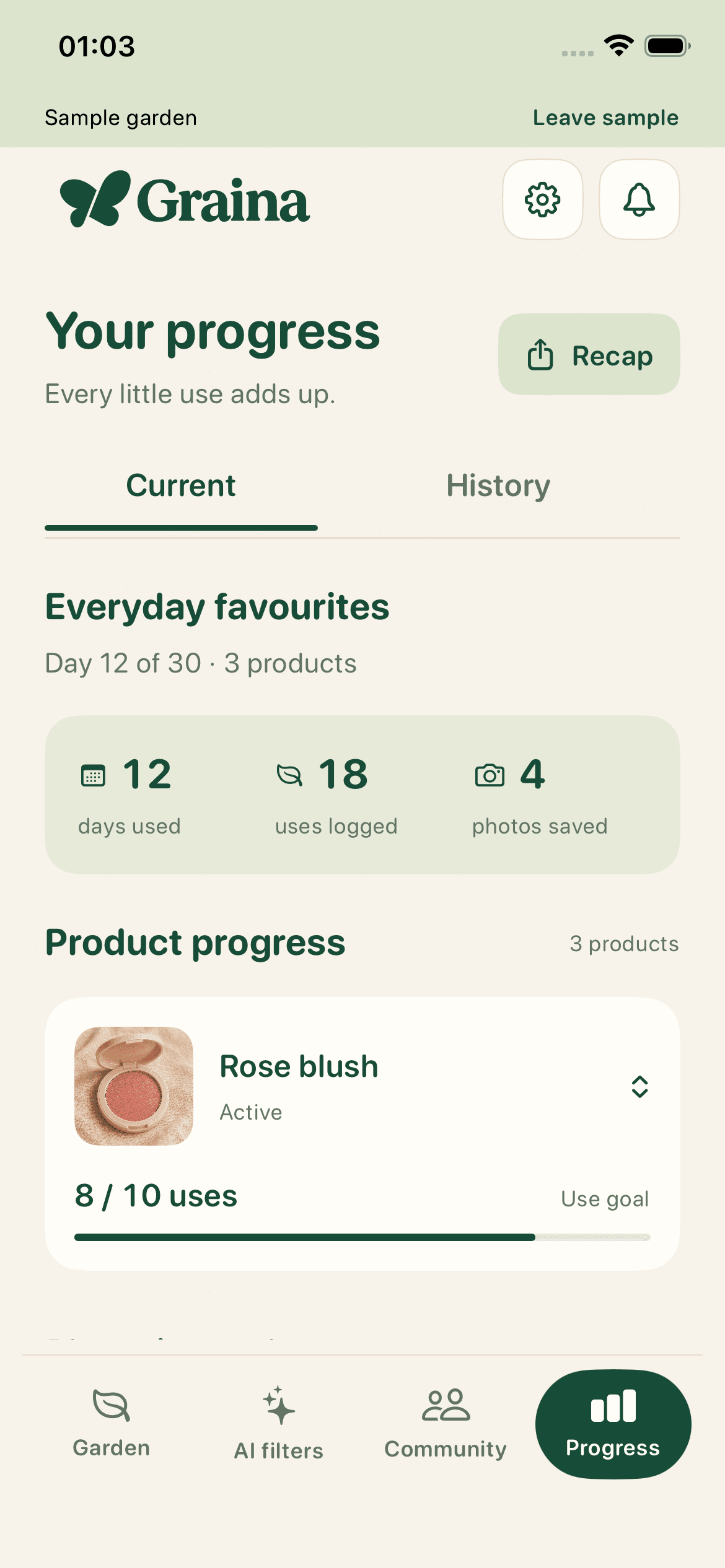
Make more of what you already own. One product is a lovely place to start.
Pick a 30, 60 or 90-day project.
Watch your virtual plant grow.
Compare photos. Create square or story recaps.
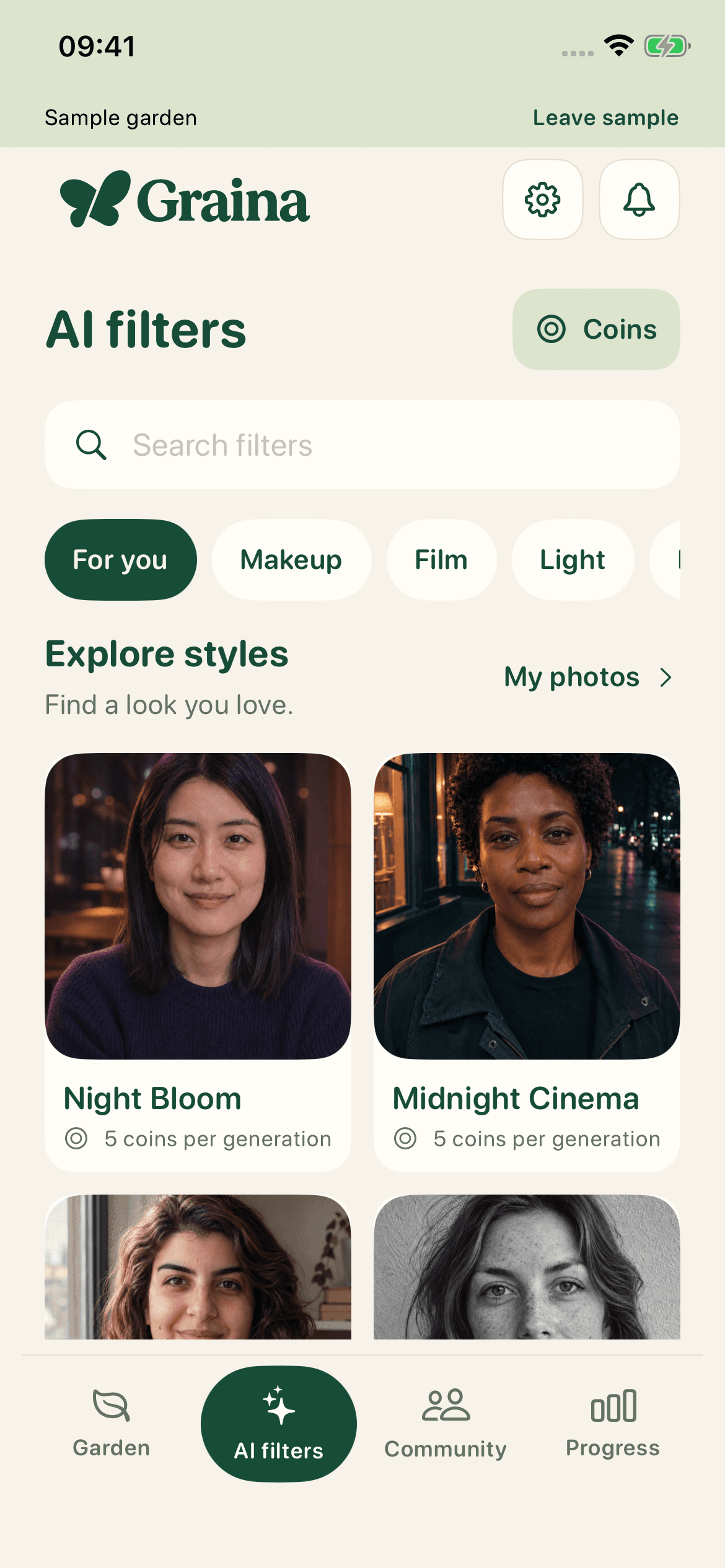
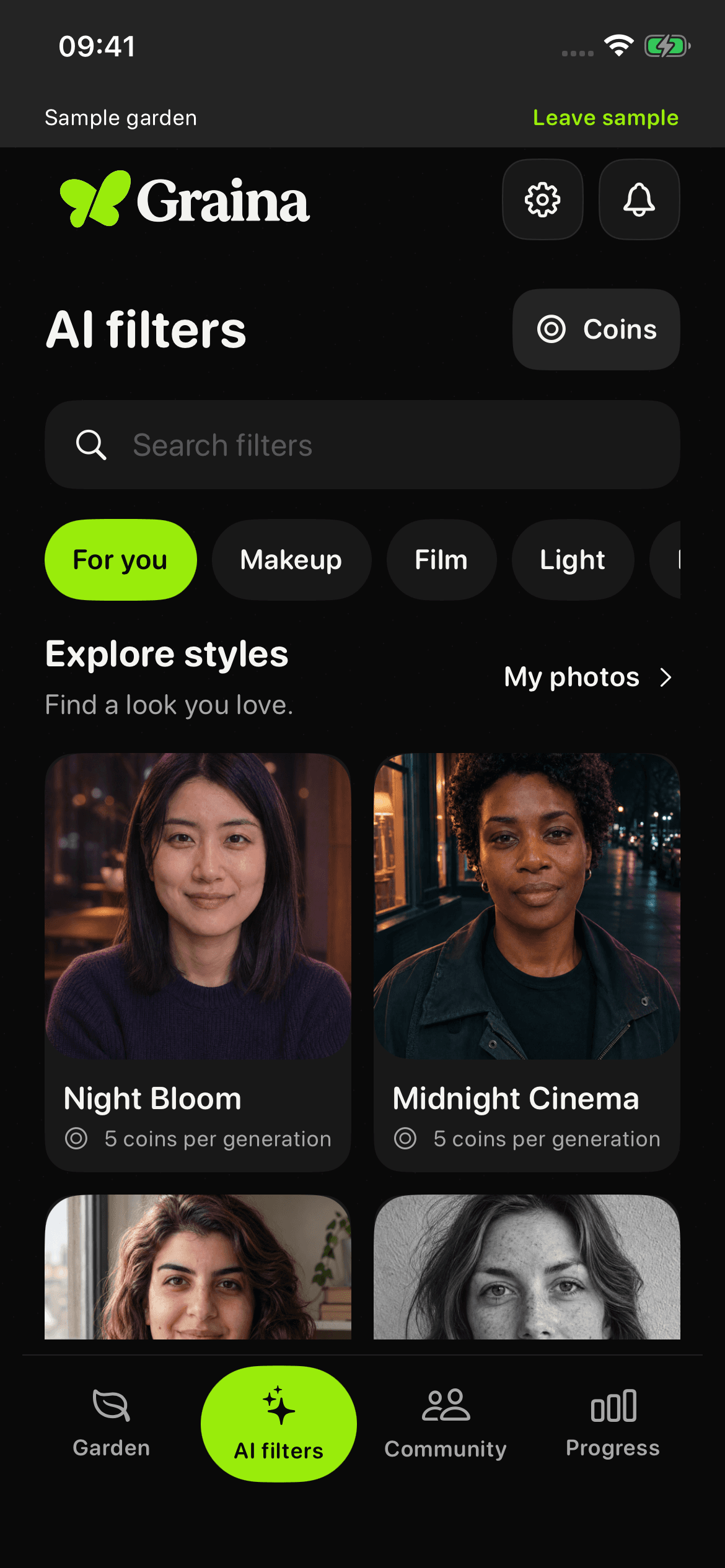
Choose a photo, try an AI look, and compare it with your original.
Rose Film, Soft Glam, Golden Hour and more. Current looks use 5 coins per generation.
Crop, adjust and upscale 2× for free. These photo editing tools don’t use AI.
AI coins are purchased separately from Graina Pro.
Share a photo or a few words. Find a little inspiration in someone else’s progress.
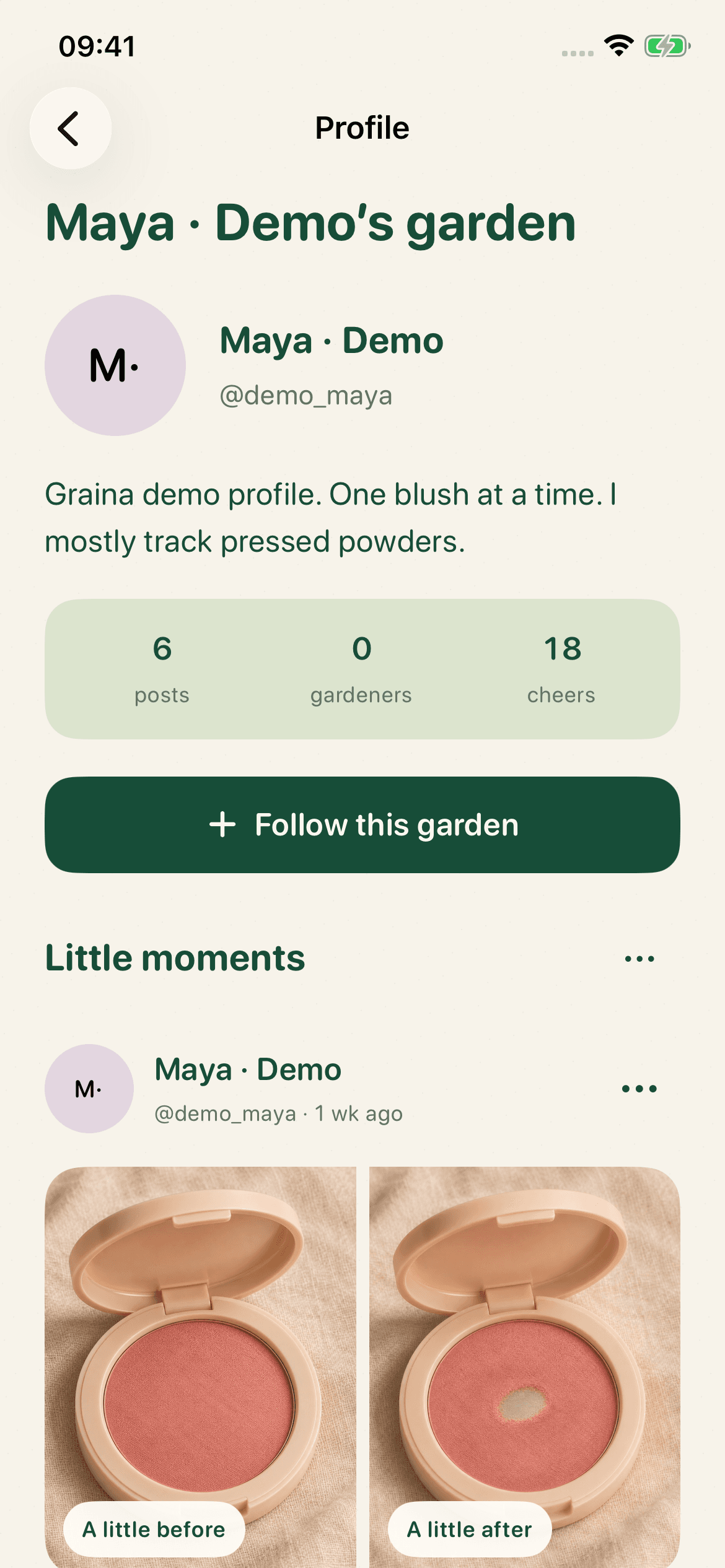
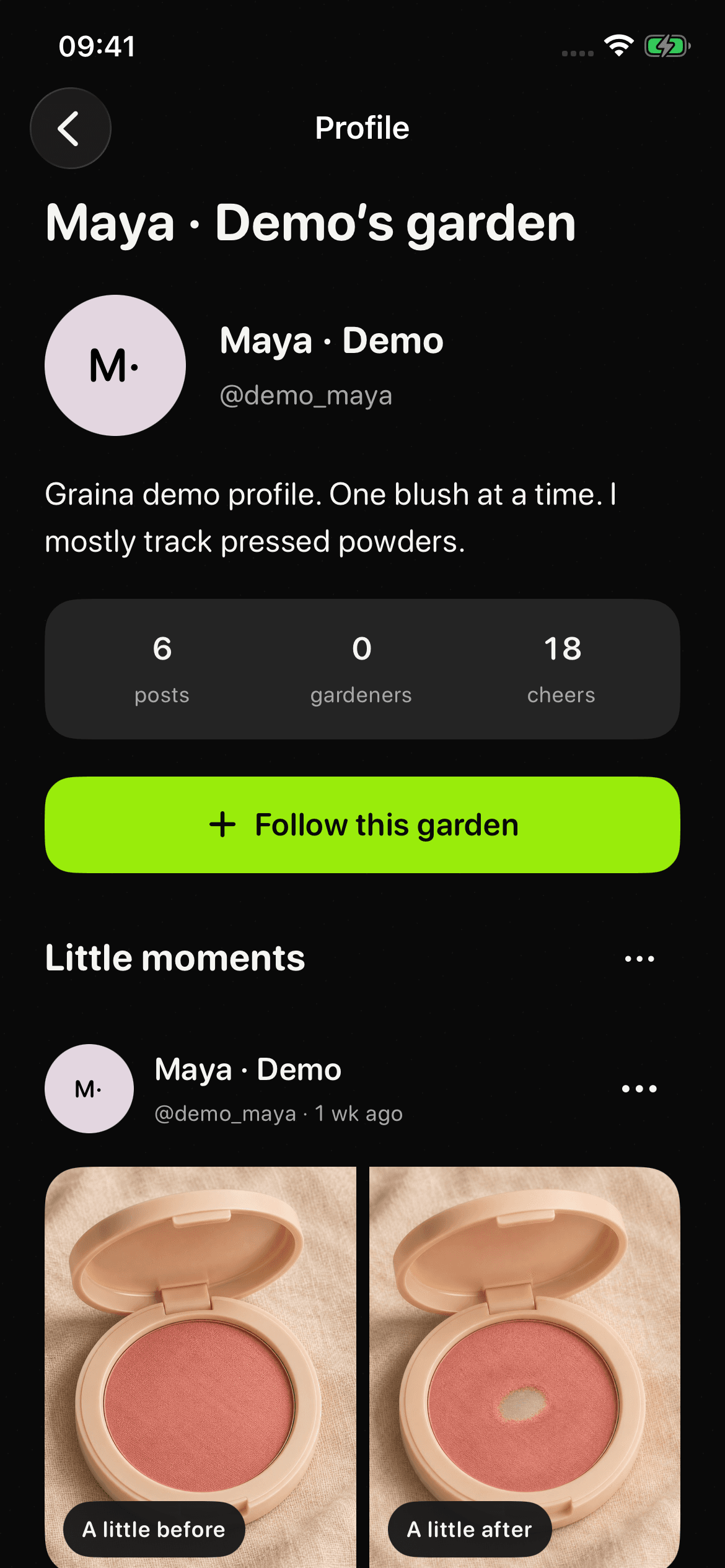
Start simply. Add a little more when you want it.
Free
More room for your routine
A new look, when you feel like it
Good to know before you grow.
Choose 30, 60 or 90 days. Set a goal for the products you want to focus on, then log their actual use.
Pro and AI coins are separate purchases. Pro gives you more saved projects, 30 photo posts per month and the Quick Log widget.
No. You choose what to share with Community. Generating a photo doesn’t post it.
When you tap Generate, your selected photo is sent to Google’s AI service to apply the look. Your result is saved on your iPhone.
Log a use. Grow your garden.